Maintenance Emergency Checklist for Property Managers
A maintenance emergency checklist gives your team written instructions for assessing calls and reaching the right contact. Use this template to record your property's rules, then try a fictional maintenance call in our browser demo.
Try a maintenance emergency Get a free trial
Free trial: 14 days, up to 100 minutes (on request).PrivacySecurity
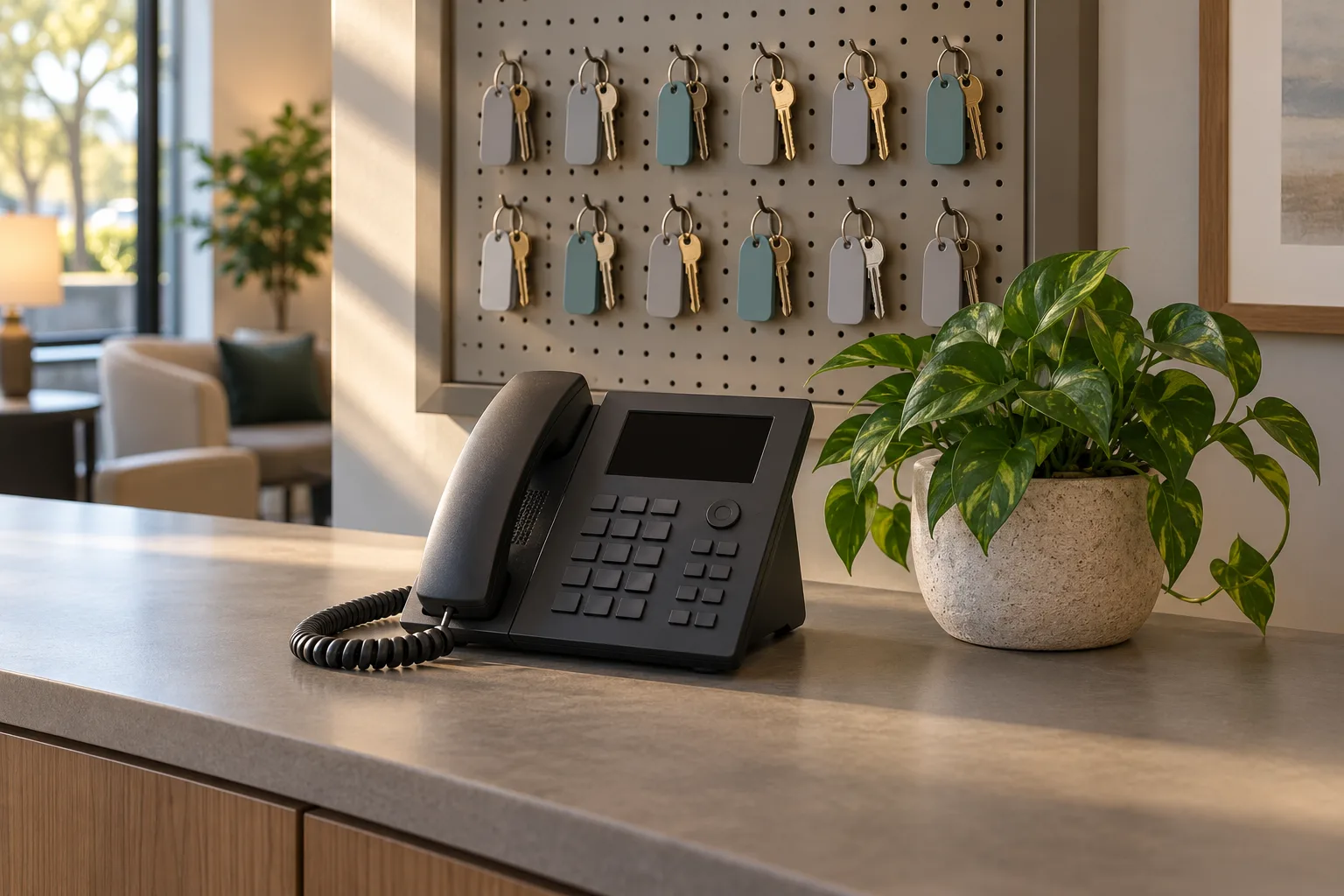
Written rules give your team a clear next step
Written emergency rules tell the person answering which details to collect and who to contact. They separate immediate safety instructions from the maintenance decisions your on-call team makes.
- Define urgencyWrite down the conditions that trigger your on-call maintenance process.
- Assign contactsName the first person to reach and the backup order.
- Keep contextPass along the unit, callback number and reported problem together.
Show more
Your written policy turns a broad complaint into a useful handoff. A caller saying there is water in the apartment needs different questions from an owner asking when a repair will be scheduled. Record the location, what the caller reports and which contact should receive the message.
Keep the policy focused on what the person answering can establish by phone. They can collect details and follow your escalation instructions; the maintenance team assesses the repair. Include a date and a person responsible for reviewing the contact list so staff have a clear reference when coverage changes.
Copy the checklist and fill in your property's instructions
The checklist below covers caller details, immediate safety concerns, your urgency criteria and the handoff order. Fill in the placeholders before using it to guide real maintenance calls.
- Locate the problemConfirm the property, unit and a number for the callback.
- Check safety firstUse your safety instructions before discussing routine repair details.
- Record the handoffNote the reported issue and the contact who received it.
Show more
Complete the template with instructions your maintenance team has reviewed. Use specific conditions instead of a general instruction to escalate anything serious. A clear rule names the reported condition, the questions to ask and the person to reach.
Keep routine requests in the checklist too. Staff need to know which details to collect when a call does not meet your urgent criteria. Avoid asking callers to diagnose equipment or perform repairs. For the receptionist's part in collecting details and routing a call, review maintenance intake and escalation.
Maintenance call instructions for [Your Company]
- Property covered: [Property name and address]. Policy owner: [Name or role]. Review date: [Date].
- Use these instructions to collect information and contact our team. Our maintenance contact decides the repair response.
Collect the caller's details
- Ask for the caller's name, callback number, property and unit. Confirm where the problem is happening.
- Ask what happened, when it started and whether the caller reports immediate danger. Record their description without guessing the cause.
- Identify whether the caller is a tenant, owner or another contact so the message has context.
Put immediate safety first
- For a gas smell, a CO alarm, sparks or burning smells, or flooding near electricity, tell the caller to get everyone out and call 911 or the utility from outside.
- For a fire, tell the caller to get everyone out first, then call 911 from outside.
- For a medical emergency or anyone in danger, tell the caller to hang up and call 911 right now.
- Then alert [On-call maintenance contact] with the location, callback number and reported concern. Do not ask the caller to inspect dangerous equipment.
Apply our maintenance urgency rules
- Active water problem: collect [Questions approved by maintenance]. Escalate when [Your urgent conditions apply].
- No heat in winter: collect [Required details]. Use [Your heat escalation criteria] and contact [Responsible person].
- Tenant lockout: record [Required caller details] and follow [Approved access contact process]. Leave access decisions to our team.
- Elevator call: ask where the elevator is and whether anyone is trapped. Follow [Property response instructions] and contact [Designated responder].
- Routine repair: collect [Required details] and pass the message to [Routine maintenance contact]. State only [Approved callback wording].
Route the call and record the result
- First urgent contact: [Name, role and number]. Method: [Warm transfer or page]. Next contacts, in order: [Backup contacts].
- Handoff summary: [Property and unit], [Caller and callback], [Reported issue], [Urgency reason] and [Safety guidance given].
- If the first contact does not accept, continue through [Approved contact order]. Use [Final fallback instructions] when the list is exhausted.
- Keep the call details with the request. Review unclear calls with [Policy owner] and update the written instructions when your team's process changes.
Set specific rules for heat, lockouts and elevator calls
No heat, a lockout and an elevator problem each need their own questions and contact instructions. Define those paths for your properties instead of grouping them under one vague emergency label.
- No heatCollect the unit, reported conditions and the time the problem began.
- Tenant lockoutRecord the location and use your approved access contact instructions.
- Elevator problemAsk whether someone is trapped and follow your written response instructions.
Show more
For no heat in winter, write down the questions your maintenance contact needs before deciding the response. Those might include when the heat stopped and whether the caller reports an immediate safety concern. Let your team define urgency for the property.
For lockouts, specify the approved contact and what information to collect. Do not have the receptionist decide whether someone is entitled to access. For elevator calls, record the location and whether anyone is trapped, then use the property's response instructions. Immediate danger calls for safety guidance first; scheduling and repair decisions belong to the responsible team.
Turn your checklist into the receptionist's call instructions
Your receptionist uses the urgency rules and contact order you provide during onboarding. Give it clear intake questions, then test a routine request and an urgent scenario before forwarding calls.
- Provide the policyExplain urgent conditions and which details your team needs collected.
- Set the routeChoose warm transfer or paging and the order of contacts.
- Test the handoffCheck the summary and contact path with a practice call.
Show more
Use the onboarding chat to explain your services, hours, urgent conditions and on-call contacts. Describe the difference between a message that can wait and a call that should reach maintenance now. You can change settings later by telling the AI in plain words.
For an urgent warm transfer, your contact hears a short summary and presses 1 to accept. You can choose paging instead and set the contact order. The receptionist also sends email and app push alerts with the summary, urgency tag, transcript and recording. Use a fictional after-hours call to hear the process, then request a free trial; we'll email your sign-in link when ready.
Common questions
How does the receptionist decide whether maintenance is urgent?
Your receptionist flags urgency using the conditions you provide during onboarding. Give it concrete examples, required questions and the contact order for your properties. It collects the caller's account of the problem and follows your instructions; your maintenance team makes the repair assessment.
Can it page our on-call maintenance technician?
Yes. You can choose paging or a warm transfer for urgent calls and set the order of contacts. With a warm transfer, the person answering hears a short summary and presses 1 to accept. Test that route before forwarding your business calls.
What happens when a tenant reports a gas smell?
The receptionist's safety script tells the caller to get everyone out and call 911 or the utility from outside, then alerts your team. That safety step comes before routine maintenance intake. Your receptionist is a call answering service, not an emergency responder or a replacement for 911.
Will we receive a record of the maintenance call?
You receive an email and app push alert containing a summary, urgency tag, transcript and recording. Your dashboard also holds the call records, and a daily digest arrives by email. Your team can use those details to enter the request in its maintenance system.
Can we change the checklist after trying a few calls?
Yes. You can update the receptionist's settings by telling the AI in plain words. If a test reveals an unclear urgency rule, explain the condition and the intended contact path. Then make another test call to check how the revised instructions work in practice.
Try the checklist on a demo call
Open the browser demo and try the fictional burst-pipe scenario. Listen to the intake questions, then request a free trial to supply your own maintenance instructions; we'll email your sign-in link when ready.