Skip navigation

AI call answering for tenants, leasing and maintenance

Demo the AI Receptionist on Property Management Calls

This browser demo lets you talk to an AI receptionist for a fictional property management business. Pick a scenario, make the call and inspect the message it prepares before you try it with your own business information.

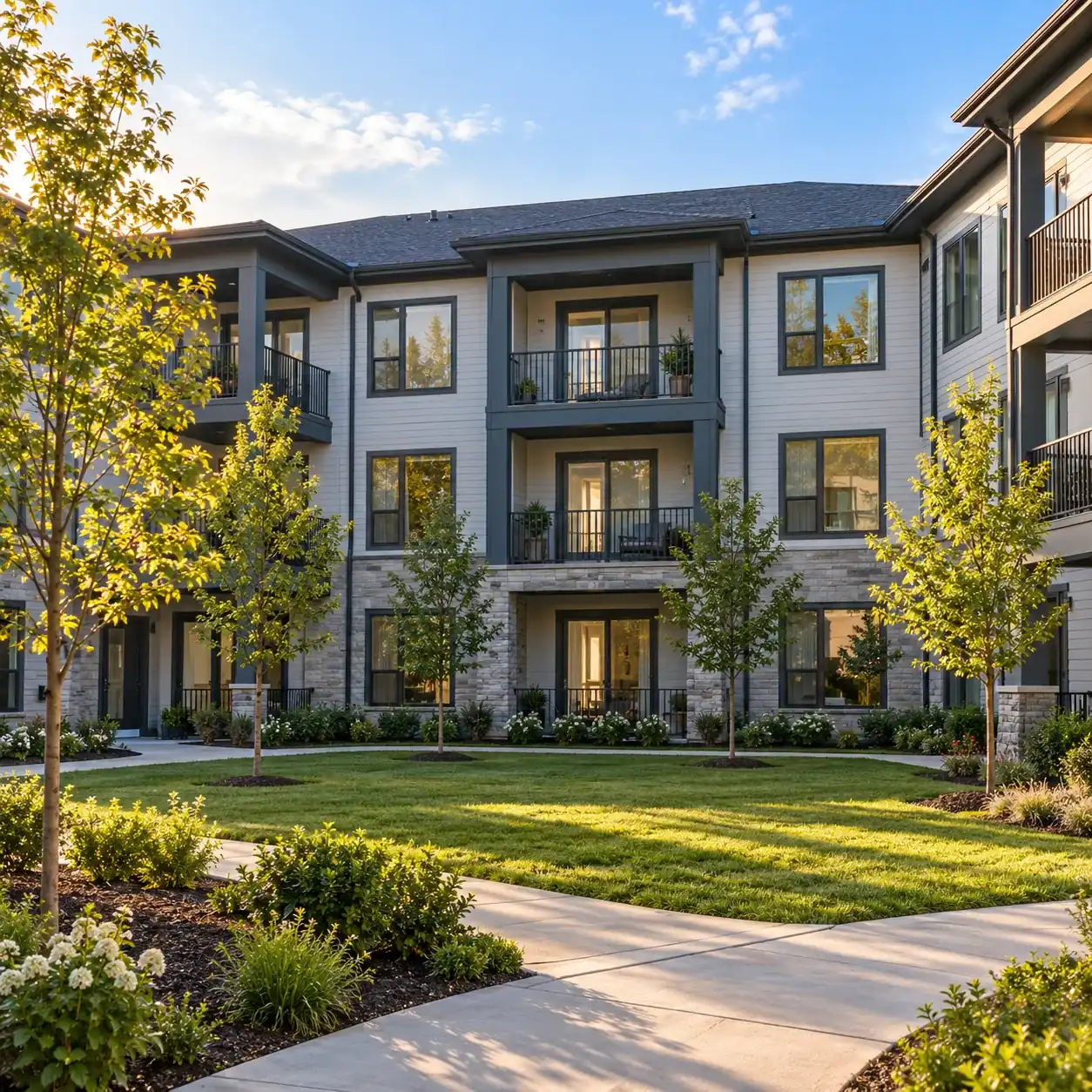
A well-kept three-story garden apartment building with a courtyard and young trees in late afternoon light

Pick a scenario

Pretend business (fictional): Maple Court Property Management

First choose a scenario, then press Talk to the AI.

ExampleUrgent11:48 p.m.

New call for Maple Court Property Management

Burst pipe in unit 4B at 2 a.m.

Transferred to the on-call person. They get a short summary first and press 1 to accept the call.

Part of the transcript (example)

  1. Assistant Thank you for calling Maple Court Property Management. I am a virtual assistant, and this call is recorded. How can I help you?
  2. Caller Describes the situation: burst pipe in unit 4B at 2 a.m.
  3. Assistant First, is anyone in danger right now? I am bringing the on-call person onto the line.

Full transcript and recording are in the dashboard.

Example owner message after a call like this one.

How the demo runs

Pick a scenario and speak through your microphone, or type if you prefer. Calls last three minutes, and the fictional business demo needs no signup. Start as the tenant, prospect or owner described in the scenario, then answer the receptionist's questions.

Listen to the greeting and follow the conversation through to the proposed next step. When the call finishes, inspect what the property manager would receive. Compare your description with the summary and urgency tag: does the result give someone enough context to respond? Use made-up details throughout the exercise so you can test a realistic conversation without sharing a real tenant's information.

The owner side of the call

The result shows the message a property manager needs to act: a summary, urgency tag, transcript and recording. Check whether the property or unit, the caller's issue and callback details match what you said. For an appointment scenario, inspect the booked slot; for an urgent scenario, inspect the on-call handoff or page shown in the demo.

These are results for a fictional business, not a repair dispatch to your team. In your live account, email and app push alerts bring you call details, and the dashboard keeps the records available for review. Use the demo result to judge whether the intake suits your maintenance and leasing workflow.

Make it your own

Type your business name and website to hear the receptionist use your own business information. This personalized version needs your email. The AI reads your site so you can call a receptionist using that information rather than the fictional business's details.

Ask about a service or policy stated on your website, then check the answer and resulting message. This gives you a practical starting point for the instructions your live receptionist will need. To configure your hours, urgency rules and forwarding, request a free trial; we'll email your sign-in link when ready. Keep real tenant records and private owner details out of test calls.

We look at your public website and set up a short demo call as your business. You get one demo per email each day.

Demo privacy

You are speaking with an AI assistant. Demo calls are recorded and transcribed to show the result, and the greeting announces recording. Use fictional names and unit details, and do not share sensitive information.

Common questions

Do I need to sign up to try the demo?

No signup is needed for the fictional property management scenarios. Choose a call and use your microphone, or type your part of the conversation. If you want the personalized version based on your business name and website, you will need to provide your email.

Is the demo answering a real tenant emergency?

No. Fictional scenarios let you examine call handling before setup without requesting real maintenance help. Gas smell, CO alarm, sparks or burning smell, or flooding near electricity: get everyone out and call 911 or the utility from outside. Fire: get everyone out first, then call 911 from outside. Medical emergency or anyone in danger: hang up and call 911 right now. Then the receptionist alerts the business.

What should I listen for during a maintenance call?

Listen for questions that establish the property, unit and problem, then check how the fictional urgency rules affect the next step. Afterward, inspect the summary to see whether it preserves the details you supplied. Try a lockout and a burst pipe to compare different maintenance situations.

Can I test it in Spanish?

Yes. Start a fictional call in Spanish or switch languages during the conversation. The receptionist speaks English and Spanish, so you can assess the intake in either language. Use the same scenario details when comparing calls and check whether the resulting message captures your request.

Request a free trial to test your business rules

Request a free trial by email; we'll email your sign-in link when ready for onboarding chat. Add your business instructions, set the urgent-call route and make a test call before forwarding.

Try a maintenance emergency Get a free trial