How Your Property Management Calls Get Answered
We answer forwarded calls as your property management business, collect the details and send you a record of the conversation. Try the browser demo, then set up your own greeting, intake questions and urgent contacts.
Try a maintenance emergency Get a free trial
Free trial: 14 days, up to 100 minutes (on request).PrivacySecurity
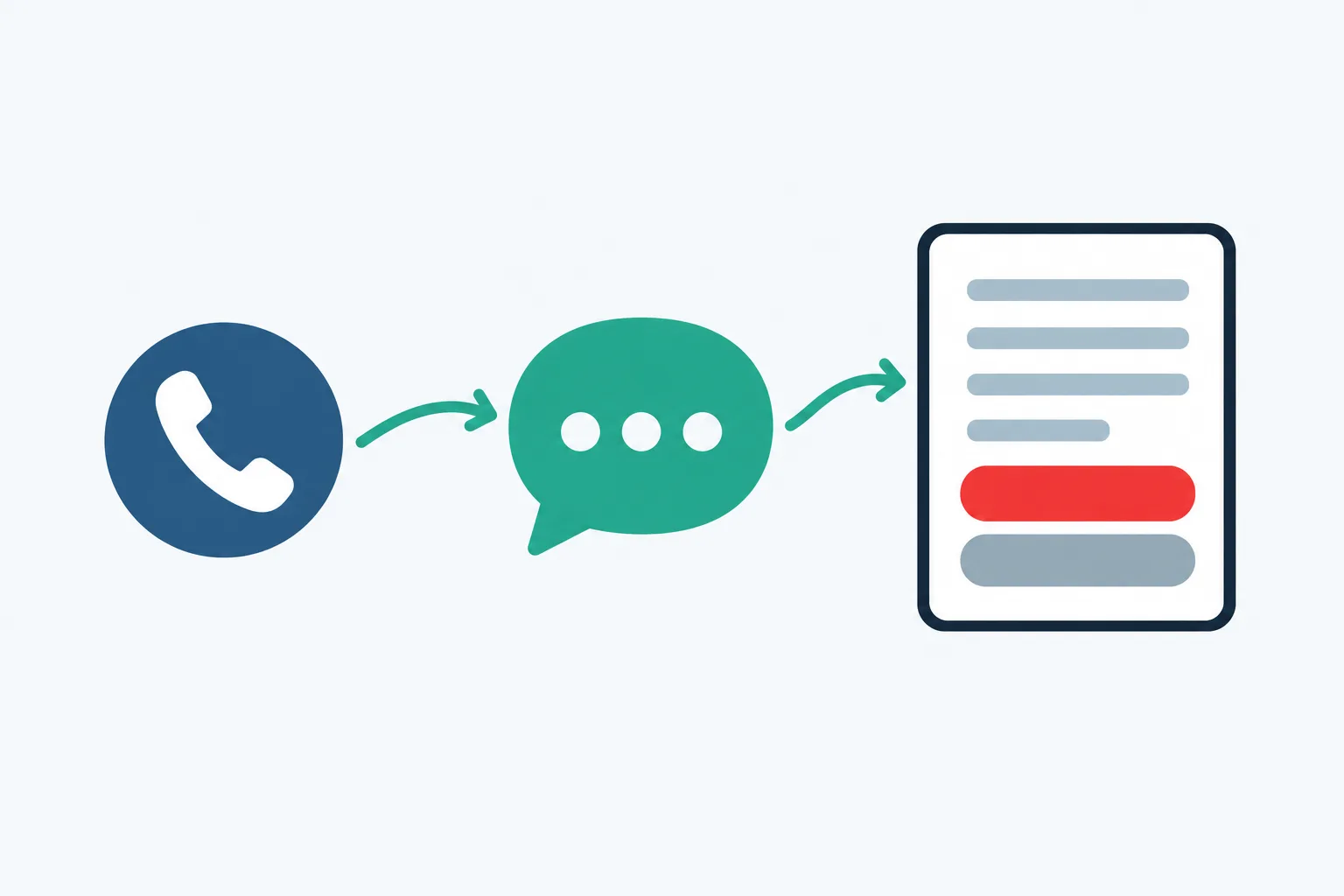
Four steps
- Choose forwarding Keep your business number and choose all calls, unanswered calls, busy periods or after hours.
- Hear your receptionist The AI answers as your business, gives its disclosure and asks your intake questions.
- Check the results Review email and app push alerts, call details and any appointments booked into Google Calendar.
- Test and go live Place a test call, check the handoff and start sending business calls to your receptionist.
Forward All Calls or Choose When We Answer
You keep your business number and decide which calls reach your receptionist. Forward all calls, or use it for no-answer, busy or after-hours coverage.
- Keep your numberCallers continue dialing the business number they already have.
- Choose coverageSend calls during office hours, after closing or when staff cannot answer.
- Follow carrier stepsUse the forwarding guide for your carrier or phone system.
Show more
Forwarding sends calls from your existing business number to the local number we provide. You choose whether staff answer first or your receptionist takes the call from the start. For a leasing office, no-answer forwarding lets staff pick up while they are available; after-hours forwarding covers the time the office is closed.
Use the carrier or phone system guide during setup, then place a test call to check the route. Your receptionist can answer day and night once forwarding is active. Use the free trial request form; we'll email your sign-in link when ready so you can configure your number.
Hear the Greeting and Property Intake Questions
Your receptionist identifies itself as a virtual assistant and says the call is recorded. It then asks about the request, using the business details and rules you supplied.
- Clear openingThe greeting includes the virtual assistant disclosure and recording notice.
- Relevant intakeQuestions collect the property, unit, callback number and reason for calling.
- Urgency rulesMaintenance reports follow your instructions for an urgent handoff or routine message.
Show more
The conversation follows the reason for the call. A tenant reporting a leak needs maintenance intake; a prospect asking about pets needs the listing policy you provided. Your receptionist takes a message when the information needed for an answer is missing.
For urgent requests, it can warm transfer to your on-call person or page them in your chosen order. During a warm transfer, the contact hears a short summary and presses 1 to accept. Callers can speak English or Spanish and switch language during the conversation. Spam and robocalls are ended politely.
Receive Call Records, Alerts and Appointment Details
We send email and app push alerts for each call, with a summary, urgency tag, transcript and recording. Your dashboard holds call records, usage and settings for review.
- Call alertsEmail and app push notifications carry the call summary and urgency tag.
- Conversation detailOpen the transcript and recording when a message needs closer review.
- Daily overviewA digest email brings the day's calls together for your review.
Show more
The call record gives your team the details collected during intake so they can decide what happens next. A maintenance coordinator can review the unit and reported problem, while the leasing team can pick up a prospect's unanswered question. The transcript and recording provide context beyond the summary.
Your receptionist books appointments into Google Calendar, or collects the details for a callback if you prefer. You can review calls and usage in the dashboard and change settings by telling the AI what you want in plain words. The daily digest offers another point to review outstanding requests.
Test the Call Route and Update Your Instructions
A test call lets you check the greeting, intake and handoff before business callers reach your receptionist. Later, you can update settings by telling the AI what changed.
- Test a scenarioCall with a maintenance issue and check the details collected.
- Check the handoffConfirm the on-call contact and chosen escalation order during testing.
- Update in wordsTell the AI about changed hours, policies or urgent contacts.
Show more
Use a realistic request in your test, such as no heat or a question about a showing. Check that your receptionist uses the supplied policy, takes the right callback details and sends the result where you expect. For an urgent scenario, include your on-call person in the test so they can hear the transfer summary.
Correct an instruction before going live if the result needs adjustment. When coverage changes later, update the relevant setting in plain language and test the changed route again. You can first explore a fictional property business in the interactive browser demo.
Common questions
Can I keep the phone number tenants already use?
Yes. Your existing business number stays in place, and forwarding sends selected calls to the local number we provide. You choose full forwarding or coverage for no-answer, busy or after-hours calls. We provide a guide for your carrier or phone system and a test call before launch.
How long does setup take for a property management office?
Setup includes an onboarding chat with about 10-15 questions, forwarding instructions and a test call. Have your office hours, property service area, intake policies and on-call contacts ready. We do not set a fixed completion time; checking your urgent route is part of getting ready to answer callers.
What happens when the AI does not know a property detail?
It takes the caller's question and callback details for your team rather than filling in a missing answer. Supply current listing facts, service boundaries and policies during onboarding. The call summary, transcript and recording let you review what was asked before you return the call.
Can it transfer an urgent maintenance call to my technician?
Yes. You set the urgent criteria, on-call contacts and order for a warm transfer or page. With a warm transfer, the technician hears a short summary before pressing 1 to accept. Your receptionist handles the intake and handoff; your maintenance team decides and carries out the response.
Where do I get messages after the office closes?
Call alerts arrive by email and app push notification with a summary, urgency tag, transcript and recording. Calls also appear in your dashboard, and you receive a daily digest email. Use those records to review what needs a callback and what was flagged for your on-call contact.
Does the receptionist tell callers that calls are recorded?
Yes. The opening states that the caller is speaking with a virtual assistant and that the call is recorded. Those notices cannot be switched off. The recording and transcript form part of the call record, so your team can review the conversation alongside the summary.
Try a Call Before You Set Up Forwarding
Open the browser demo and make a fictional maintenance or leasing call. Then request a free trial to teach your receptionist about your business; we'll email your sign-in link when ready.