Property Management Answering Service Integrations
Our current tools deliver call summaries, dashboard records and Google Calendar appointment booking; direct property management software connections are not live. Review the workflow here, then try the demo to see the intake your team would receive.
Try a maintenance emergency Get a free trial
Free trial: 14 days, up to 100 minutes (on request).PrivacySecurity
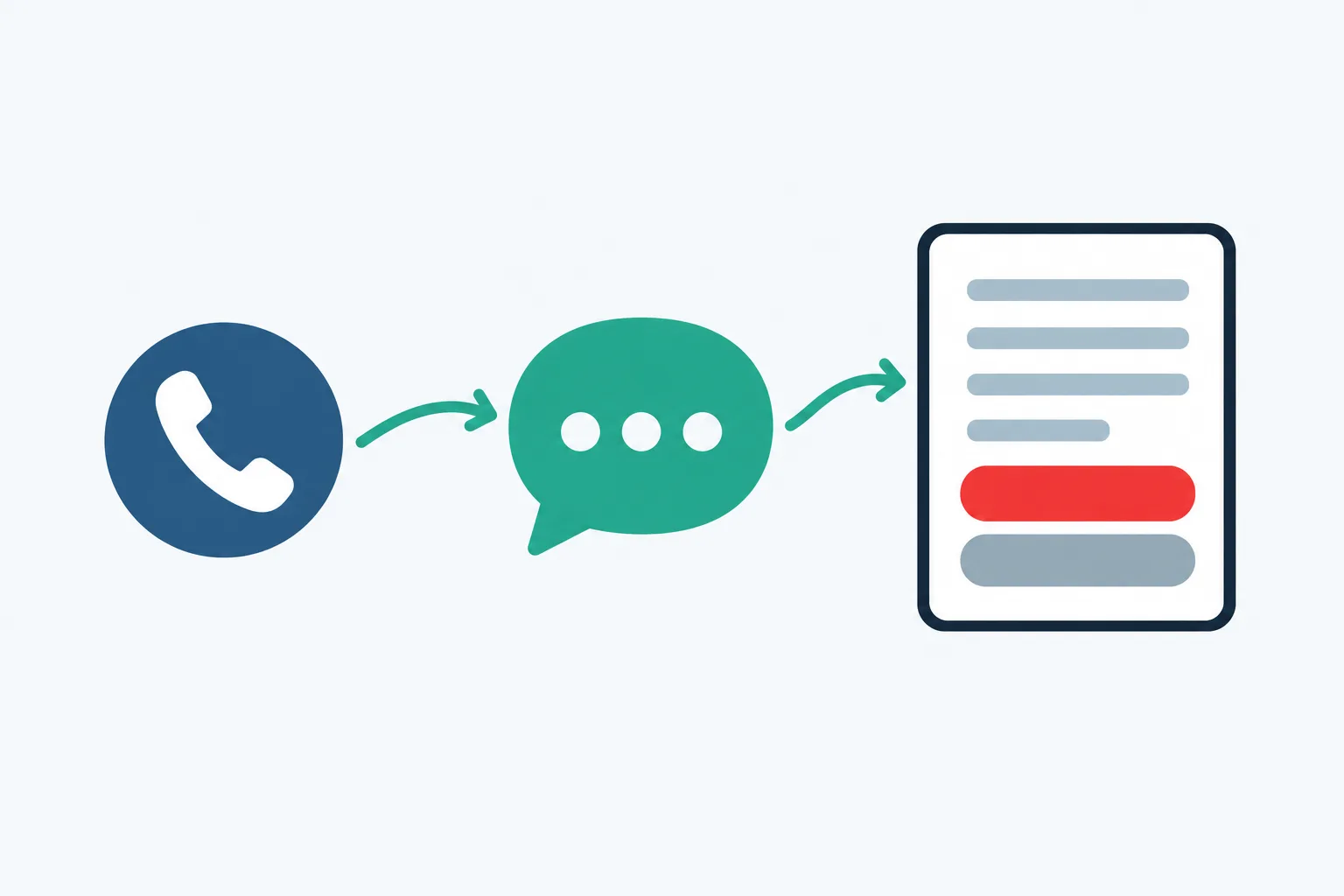
Get email summaries, dashboard records and calendar booking
Your receptionist sends email and app push alerts, keeps call records in the dashboard and books appointments into Google Calendar. You can also choose to collect details for a callback.
- Email and appReceive the summary, urgency tag, transcript and recording after calls.
- Dashboard recordsReview calls, usage and settings in your receptionist dashboard.
- Calendar bookingBook appointments into Google Calendar or take details for your callback.
Show more
Your call record gives the next person a starting point: who called, what they reported and how urgently it needs attention. Email and app push alerts include the summary, urgency tag, transcript and recording. A daily digest email helps you review the day's calls.
For appointments, the receptionist can book into Google Calendar. If your team prefers to arrange the time itself, have it take the caller's details instead. This lets you choose how scheduling fits the way your office works.
Check the status of your property management software
AppFolio, Buildium, Yardi Breeze and Voyager, Rent Manager, Propertyware and DoorLoop have no direct connection to our receptionist at launch. Tell us which you use and what you need transferred.
- Current statusDirect property management software connections are not available at launch.
- Manual entryYour staff can enter call summary details into the system they use.
- Your requestTell us the software name and the task you want supported.
Show more
If you use AppFolio or Buildium, your team enters the relevant call details there itself. The same current status applies to Yardi Breeze, Yardi Voyager, Rent Manager, Propertyware and DoorLoop. The receptionist does not create records in those products.
Explain the workflow you need when you contact us: a maintenance request, a leasing inquiry or an owner callback may require different information. You can send your software request to [email protected]. Direct connections are planned by demand, so a request helps us understand the need without implying a release date.
Use call summaries alongside your existing software
Your team can review each summary and enter the relevant details in its current system. Decide who handles urgent maintenance messages, leasing inquiries and owner callbacks so each has a destination.
- Assign reviewChoose who reads maintenance, leasing and owner messages in your office.
- Check detailsUse the transcript or recording when the summary needs more context.
- Enter the requestAdd the relevant information to your existing record yourself.
Show more
Make message review part of the workflow you already use. A maintenance coordinator might enter the reported problem and unit into a work request. A leasing team member might record the prospect's questions and arrange a callback. These are tasks your staff performs using the call information.
Urgent routing follows the separate contact order you set for the receptionist. It can warm transfer or page your on-call person while the call record supplies context. Review how maintenance triage works when deciding which calls need immediate contact.
Tell us which software task you need connected
We plan direct connections according to customer demand. Tell us the system you use, the information you need moved and the step your staff currently performs by hand.
- Name the systemTell us which property management product your team uses today.
- Describe the taskExplain the record you want created and the details it needs.
- Share the gapIdentify where entering call information takes your team's attention.
Show more
A useful request describes the job your team needs done. For example, explain which maintenance intake details you copy from a call summary and where staff enter them. That gives us more to work with than a product name alone.
We use demand to guide plans for direct connections. We have no release date to offer for a specific product. During your requested free trial, evaluate the summary and manual entry process, and decide whether it fits your operation. The setup walkthrough explains the steps already available.
Common questions
Can the receptionist create work orders in our property management software?
Direct work order creation in property management software is not available at launch. Your receptionist collects the call details and sends a summary, urgency tag, transcript and recording. Your staff can review that information and enter the request into the system your team already uses.
Can it book showings without a property management software connection?
It can book appointments into Google Calendar using the business instructions you provide. You can choose to have it collect details for your team's callback instead. Supply the listing facts and appointment instructions you want used so the receptionist has an approved basis for the conversation.
How will the maintenance coordinator get messages?
The service sends an email and app push alert with each call's summary, urgency tag, transcript and recording. Records are also available in the dashboard, with a daily digest by email. Urgent calls can follow your warm transfer or paging instructions for the on-call person.
Do we have to move our current business number?
You can keep your business number and forward calls to the local number provided for your receptionist. Choose all calls or only no-answer, busy or after-hours calls. We provide a forwarding guide for your carrier or phone system and a test call before you go live.
Can we request support for the software we use?
Yes. Email [email protected] with the product name and the task you want a direct connection to handle. Describe which details your team enters manually and where they go. We plan connections by demand; requests do not establish a delivery date for a particular product.
Try the call intake your team will receive
Use the demo to hear a leasing or maintenance conversation. Then request a free trial to review how call summaries fit your team's current software workflow; we'll email your sign-in link when ready.